
Kronos Menu
Kronos
UAB St. Vincent’s non-exempt employees will begin to attest to taking meal breaks during punch out at the end of each shift.
Employees or time editors affected by the update will receive emails providing launch dates, training resources, deadlines, and other helpful information.
The latest training and resources are listed below.
For questions related to meal break attestation, please contact uabhealthtime@uabmc.edu.
- Kronos Meal Attestation Signage
- Kronos Meal Break Attestation FAQs
- [VIDEO] Meal Attestation Training:
Nonexempt Employees Training
- Training will be assigned to auto-deduct meal break employees in the UAB Health Stream.
Managers and Time Editors Training
- Hospital Kronos: Adding a Meal Deduction
- Hospital Kronos: Cancelling a Meal Deduction
- Hospital Kronos: Running MyTimeStamp Detail Report
- Hospital Kronos: Monitoring Cancelled Automatic Meal Deductions
- Guidelines for Essential Associates Required to Work on Holidays
Reporting
Log in to Kronos (Use your UABMC ID without the email extension—for example, jsmith instead of jsmith@uabmc.edu).
Review Payroll and HR Benefits information
Login FAQs
How do I access Kronos? You may do it in several ways:
- At a physical time clock.
- Via a computer logged into the St. Vincent’s network using this URL (https://wfctimekeeper.hs.uab.edu) to display the following screen:
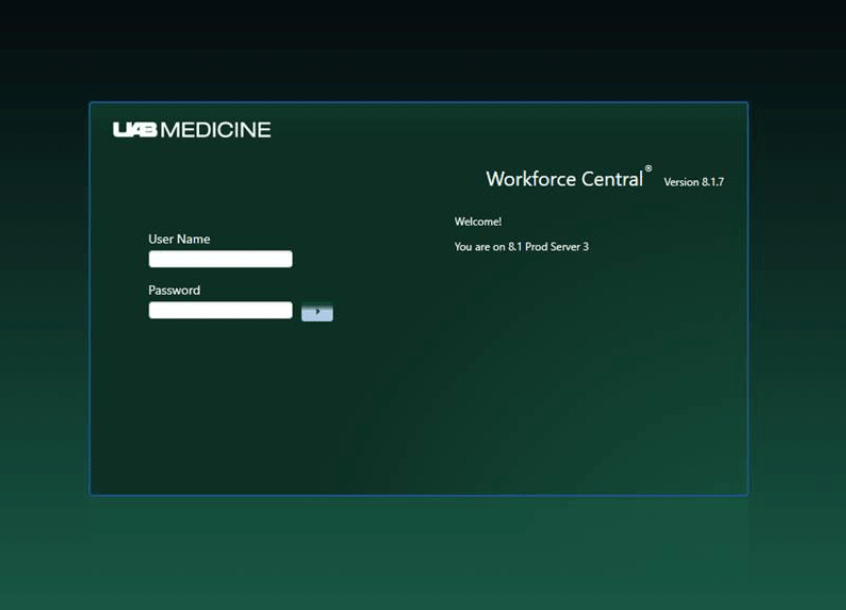
Use your username and password to log in (i.e. “johnsmith” not “johnsmith@uabmc.edu“).
Note: Onsite staff should utilize network devices or time clocks to punch in and out. Mobile devices are to be used for scheduling and time-off requests only.